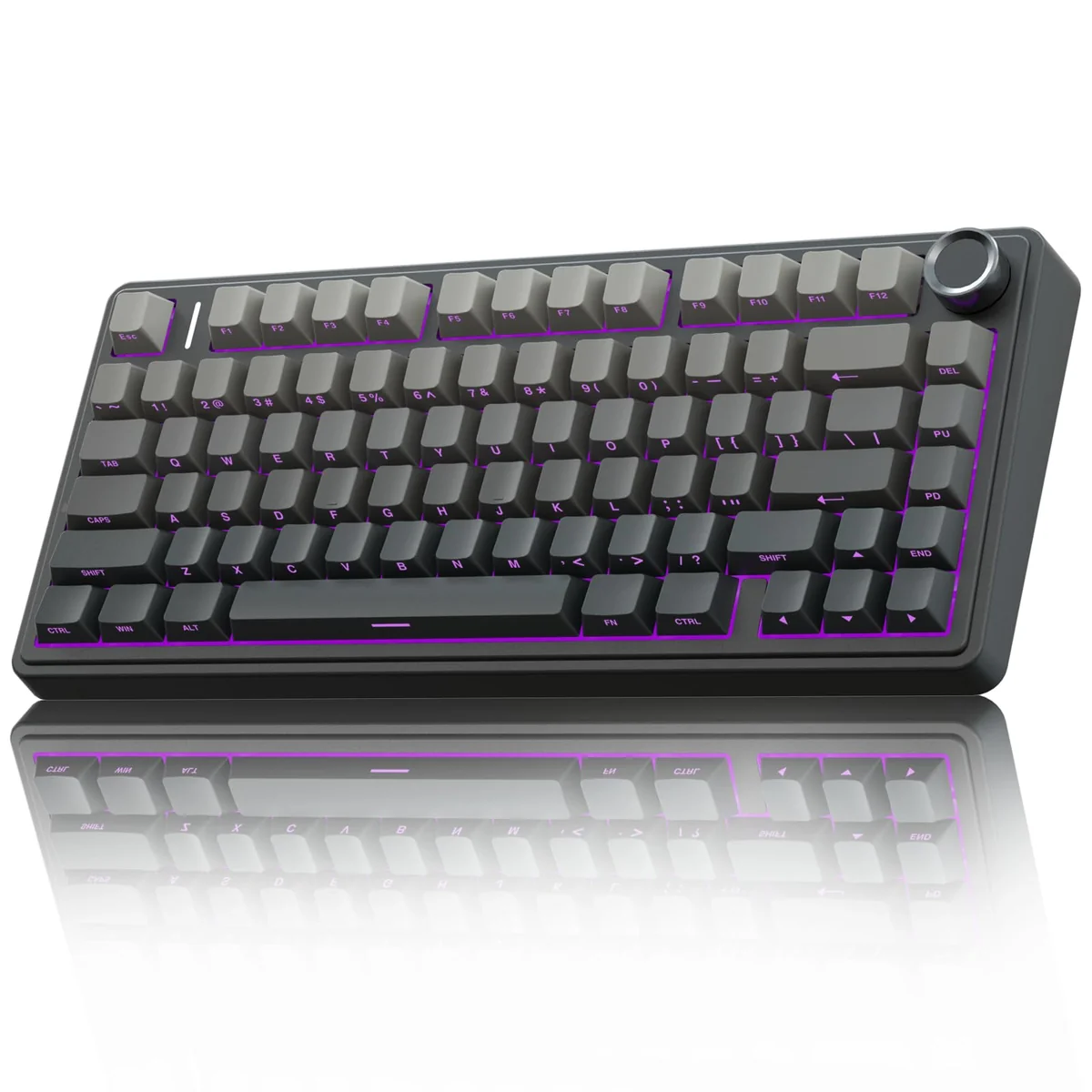
Overview
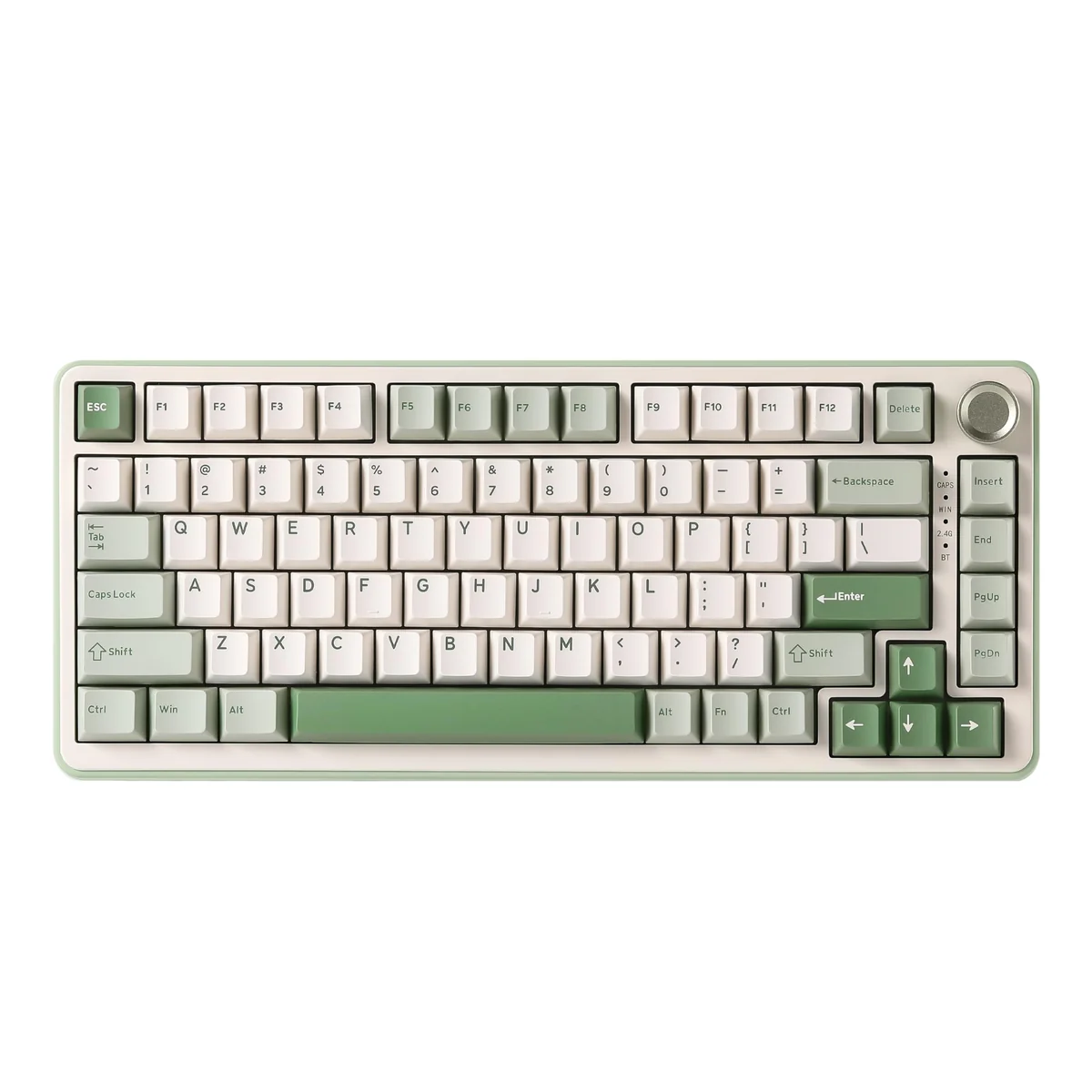
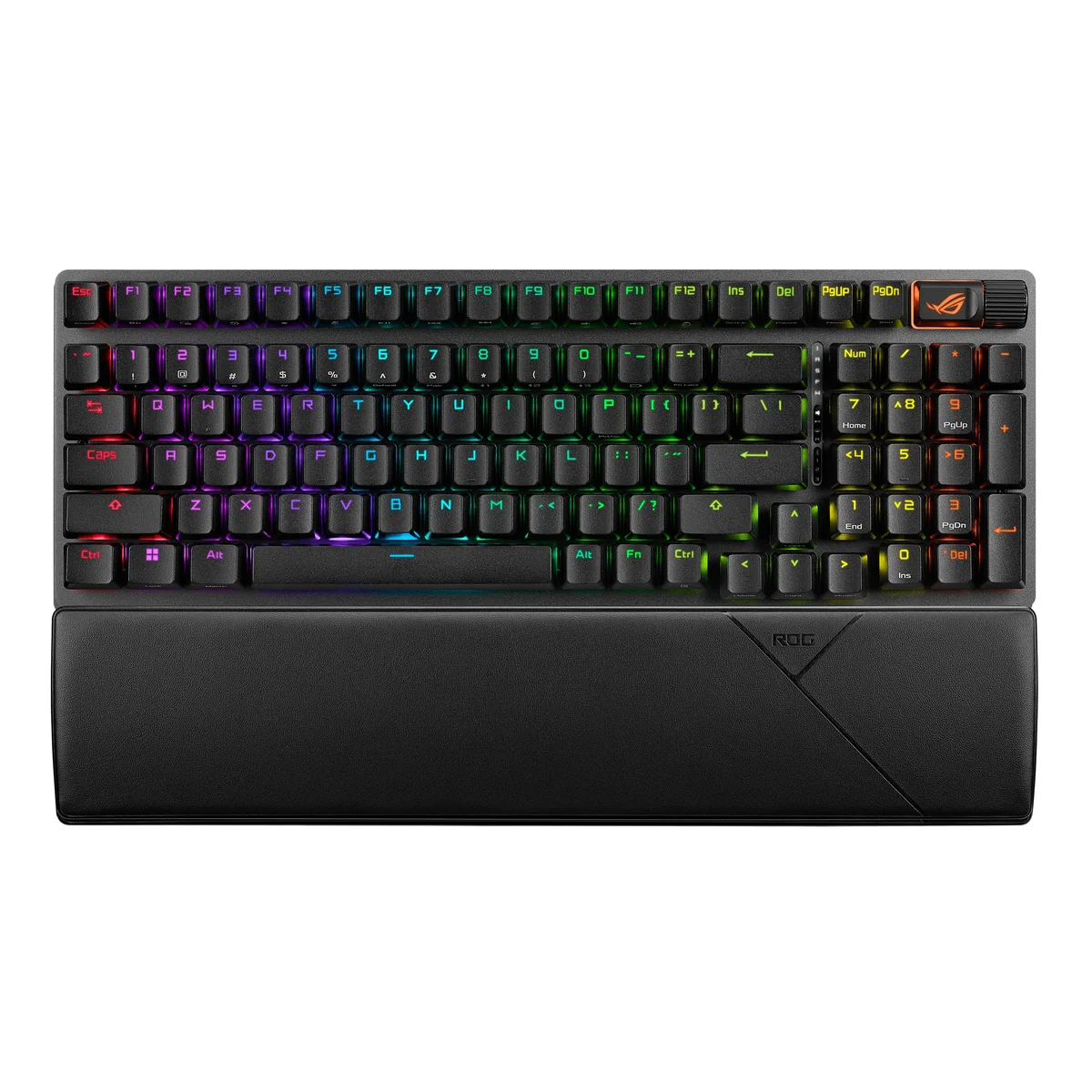
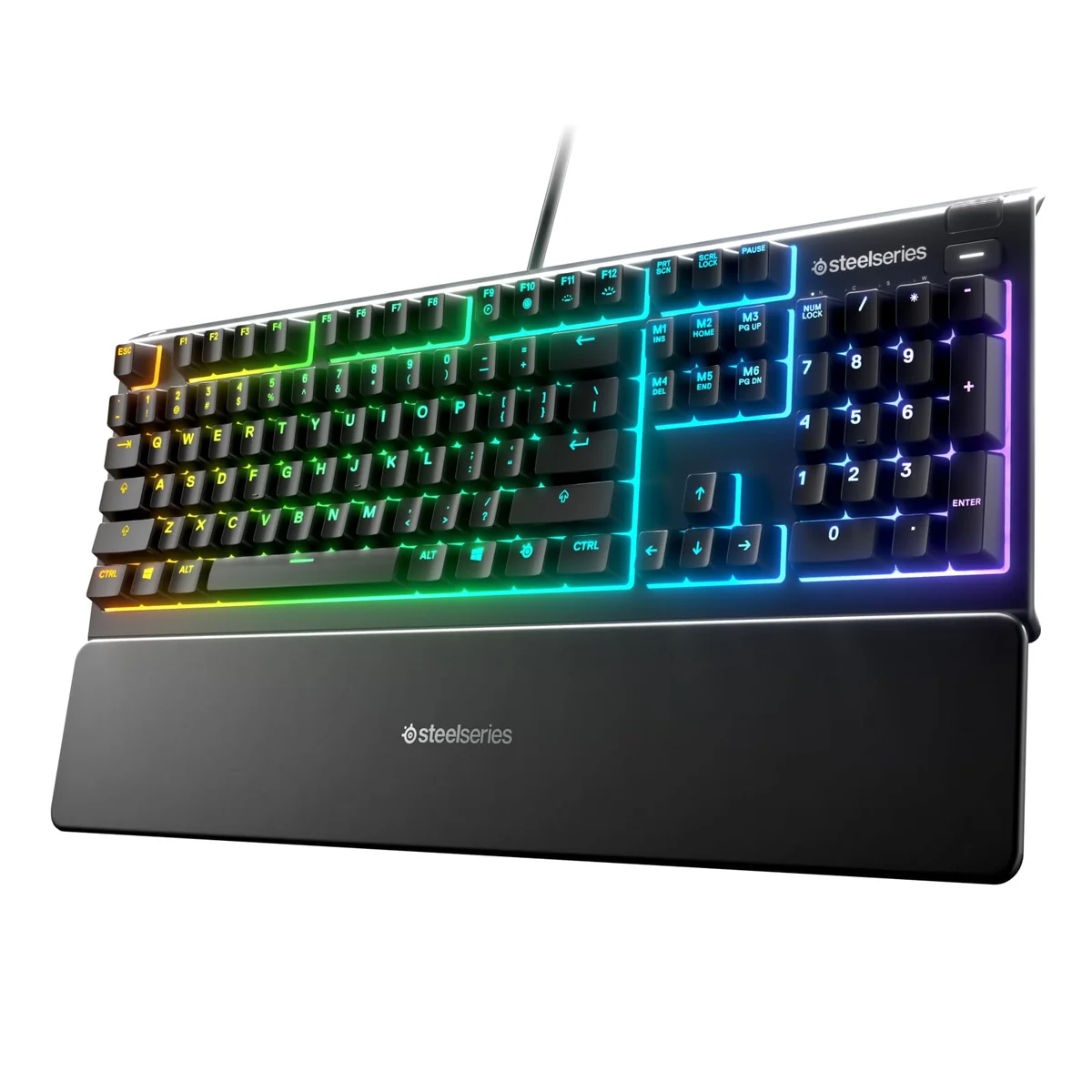
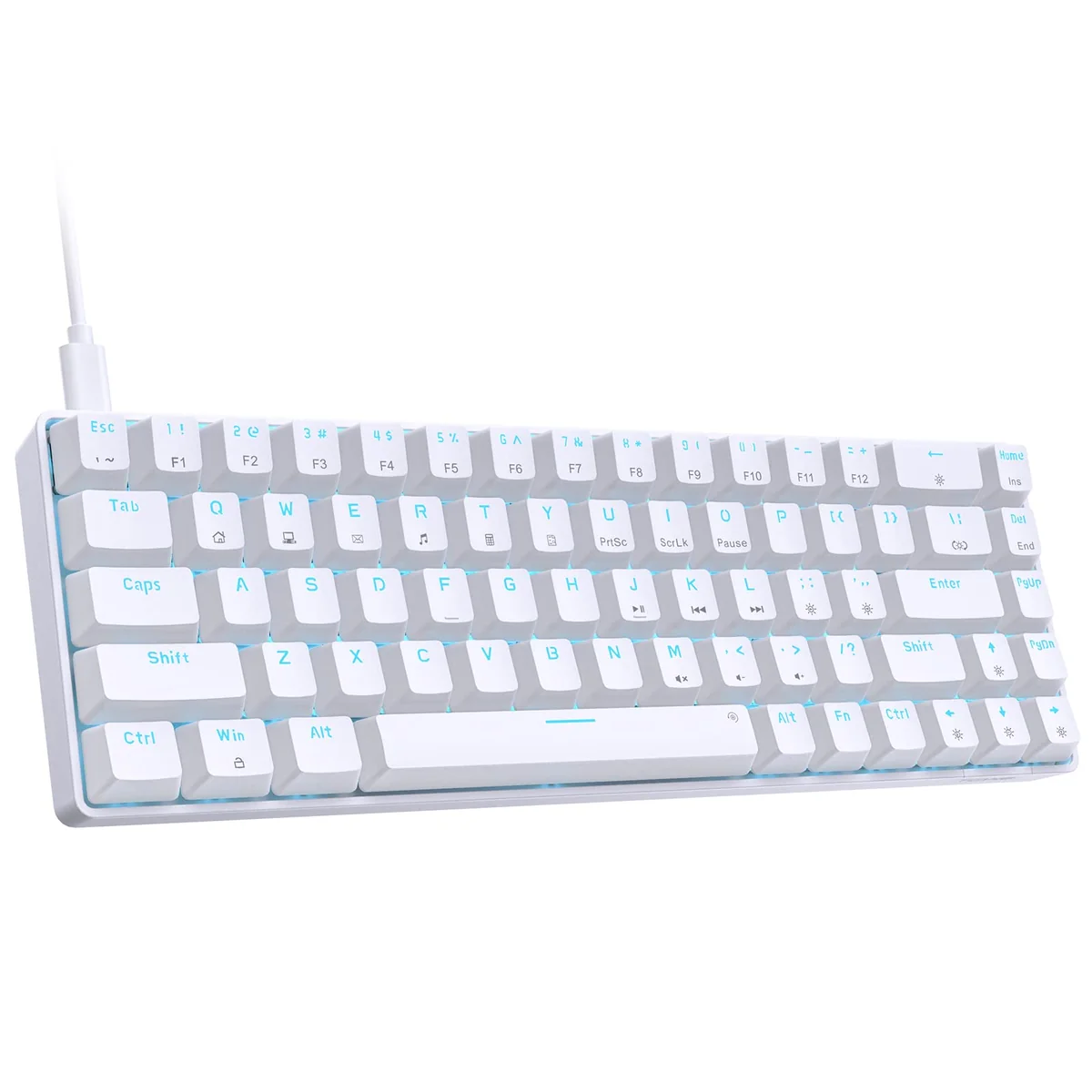
If you're looking for a versatile wireless mechanical keyboard that doesn't compromise on performance, the AULA F75 Pro might just be your next upgrade. Whether you're gaming on a PC, switching between multiple devices, or just want a reliable typing experience, this keyboard aims to deliver across the board. It's designed with gamers and professionals in mind—offering that blend of functionality, customization, and modern connectivity options that today’s users demand.
This mid-range keyboard stands out thanks to its tri-mode connectivity, hot-swappable switch support, and an impressive RGB lighting setup. The 75% layout keeps things compact while still including essential arrow keys for gaming. Its build quality feels substantial, and the inclusion of pre-lubricated stabilizers suggests attention to detail in areas that affect typing comfort. While it may not be the cheapest option out there, it offers enough features and solid performance to justify its price point for many users.
At first glance, the F75 Pro looks like a solid contender in the growing market of wireless mechanical keyboards. But what really matters is how well it performs under real-world conditions—especially when you’re switching between devices, playing fast-paced games, or working on projects that require precision. You’ll find that it balances form and function quite well, making it appealing not just to hardcore gamers but also to content creators, remote workers, and anyone who values a premium typing experience without breaking the bank.
Quick Take
The AULA F75 Pro delivers a compelling mix of wireless convenience, customizable mechanics, and solid build quality that makes it a strong choice for both gaming and productivity. It handles multitasking well and offers plenty of personalization options without being overly complicated.
Features Worth Noting
Let’s break down what makes this keyboard special, starting with its core strengths.
Tri-Mode Connectivity:
One of the most practical aspects of the F75 Pro is its ability to connect via Bluetooth 5.0, 2.4GHz wireless, or USB wired—all at once. That means you can seamlessly switch between a laptop, desktop, tablet, or even console gaming without needing to physically reconnect anything. The ability to pair up to five devices simultaneously gives you flexibility for multi-device setups, which is great if you work across platforms regularly. Switching between these connections is simple using either the dedicated side button or a shortcut key combo.
Hot-Swap Switch Support:
For those who enjoy tinkering with their keyboard, the F75 Pro includes a hot-swappable base that allows you to swap out switches without any soldering required. This feature alone sets it apart from many budget offerings. Whether you prefer linear, tactile, or clicky switches, you can experiment and find exactly what feels right for your workflow. Plus, the included LEOBOG Reaper switches offer a satisfying tactile response with minimal noise, perfect for both typing and gaming.
Advanced Construction & Noise Reduction:
The keyboard uses a five-layer filling silencer system along with single key slotting on the PCB to reduce rattling and internal noise. This results in a smoother typing experience and less distraction during long sessions. The integrated silicone pad adds to the overall stability, giving the keyboard a firmer feel that helps minimize wobble—especially useful when gaming or typing rapidly.
RGB Lighting System:
With 16.8 million colors and 16 preset lighting modes, you get plenty of visual flair. The lighting can be controlled via a physical knob or through software, allowing for easy adjustments on the fly. There are even 10 music-reactive lighting effects, which add a fun dimension if you’re into immersive environments. You can also set individual keys to different colors, though the process requires downloading the companion software.
Multi-Function Knob:
A standout feature here is the dedicated knob that lets you toggle between gaming and office modes. In gaming mode, rotating the knob adjusts backlight brightness or cycles through lighting effects. In office mode, it controls volume and plays/pauses media. Pressing the knob toggles between modes quickly. This is handy because it avoids having to open software or fumble around with keyboard shortcuts just to change settings.
Putting It to the Test
So how does the F75 Pro hold up in everyday use? After several weeks of testing, it proves itself to be a capable performer across a range of tasks.
In terms of typing, the mechanical switches offer a crisp, responsive feel. They don’t feel too heavy or too light, striking a good balance that works well for both long typing sessions and gaming. The pre-lubricated stabilizers ensure that the spacebar and other wide keys move smoothly without any chattering or sticking issues. For someone used to traditional membrane keyboards, transitioning to this will feel noticeably better.
When it comes to wireless performance, the keyboard maintains a stable connection across all three modes—Bluetooth, 2.4GHz, and USB. I didn’t notice any lag during gameplay or typing, and switching between paired devices was seamless. The 4000mAh battery lasted me about four full days of moderate usage, which is impressive given its size and feature set.
Gaming-wise, the keyboard performs admirably. The N-key rollover ensures that multiple key presses are registered accurately, crucial for competitive gameplay. The Win key lock prevents accidental presses during intense matches—a small but thoughtful touch. Macro programming is straightforward via the provided driver software, allowing you to assign complex actions to single keys or combinations, which can be a game-changer in certain titles.
The RGB lighting adds ambiance without being distracting. The music-reactive effects are particularly enjoyable during casual gaming or streaming. However, the lighting controls do require a bit of setup initially, especially if you want to customize individual keys or create specific lighting profiles.
What We Love and What Could Be Better
What We Like:
- Versatile Connectivity Options: The tri-mode support lets you connect up to five devices, offering flexibility for multitaskers and professionals.
- Hot-Swappable Design: No need for tools or soldering to experiment with switch types, making it beginner-friendly yet powerful for enthusiasts.
- Solid Build Quality & Quiet Operation: The internal noise dampening and reinforced structure give it a premium feel and reduce distractions.
- Customizable Lighting Setup: 16.8 million colors, 16 preset modes, and music-reactive effects allow for personalization without cluttering the interface.
- Useful Multi-Function Knob: The dual-purpose knob streamlines access to lighting and audio controls, reducing reliance on software.
The Cons:
- Software Dependency for Full Customization: Some advanced features, like macro programming and detailed lighting control, require installing third-party drivers, which some users might find cumbersome.
- Limited Key Layout Flexibility: While the 75% layout saves space, it removes full directional navigation keys, which could be a dealbreaker for some users accustomed to full-size keyboards.
- No Dedicated Function Keys for Media Controls: Although the knob handles volume, it lacks direct media keys for quick access to playlists or playback controls—something that would enhance usability in media-heavy workflows.
Should You Buy It?
Best Suited For:
- Gamers Looking for Wireless Convenience: If you spend a lot of time gaming on various devices, the tri-mode connectivity and low latency make this a strong pick.
- Content Creators Who Value Personalization: The RGB lighting and macro capabilities allow for creative expression and workflow optimization.
- Professionals Working Across Multiple Platforms: The ability to connect and switch between multiple devices efficiently makes this keyboard ideal for hybrid work setups.
Look Elsewhere If:
- You Prefer Full-Size Keyboards: The compact 75% layout omits some standard keys, so if you're used to full layouts, this might feel cramped.
- You Don’t Need RGB or Advanced Lighting Features: If you're purely focused on function over form, a simpler keyboard with fewer bells and whistles might suit you better.
Quick Take
The AULA F75 Pro is a well-rounded wireless mechanical keyboard that strikes a good balance between performance, versatility, and value. Its tri-mode connectivity, hot-swappable design, and thoughtful build quality make it a solid investment for gamers and pros alike. While it may not be perfect for everyone, it checks nearly all the boxes for a mid-range gaming keyboard that delivers on its promises.